How I Used AI Automation to Handle Customer Inquiries Without Doing Everything Manually
When I first started exploring AI automation for business, I made the same mistake many people make: I focused too much on the AI tool itself.
I thought, “Which AI should I use?” But the better question is: “Which repetitive business process can I connect AI to so it works automatically?” The real power of AI automation comes from combining different tools into a workflow.
For example, instead of manually reading every customer inquiry, copying information into a spreadsheet, and writing responses, I can create a system where AI handles the first steps automatically. Here is a practical workflow I would set up for a small business.
Automating Customer Support Emails
The Goal
Automatically:
Receive customer emails
Understand what the customer needs
Create a helpful response
Save important information
Notify a human when necessary
The tools to be used: zapier.com ↗️ — connects different apps and triggers automated actions.chat.openai.com↗️ — analyzes messages and generates AI responses.
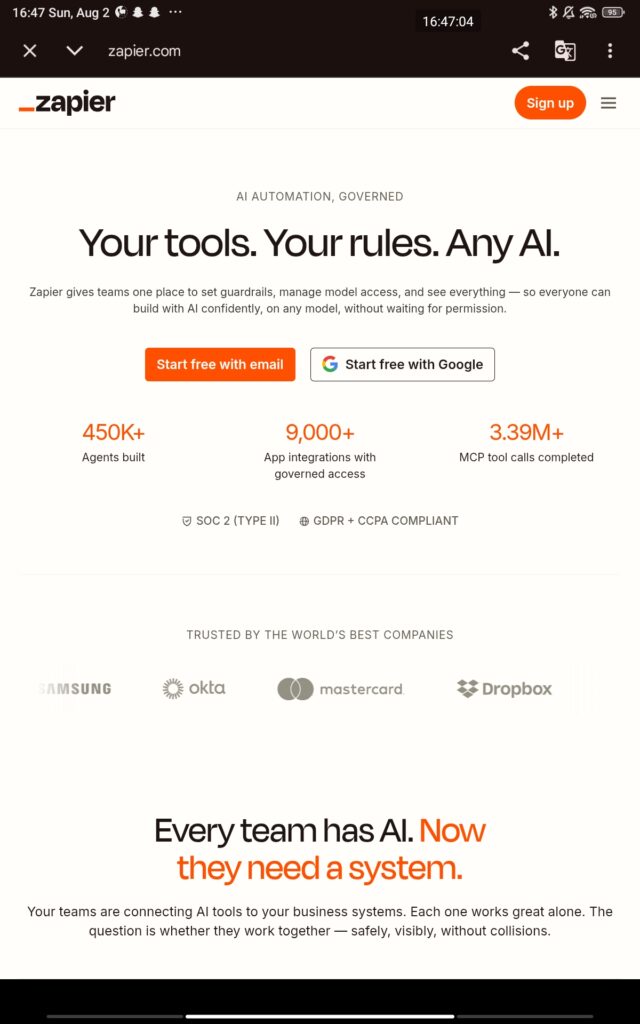
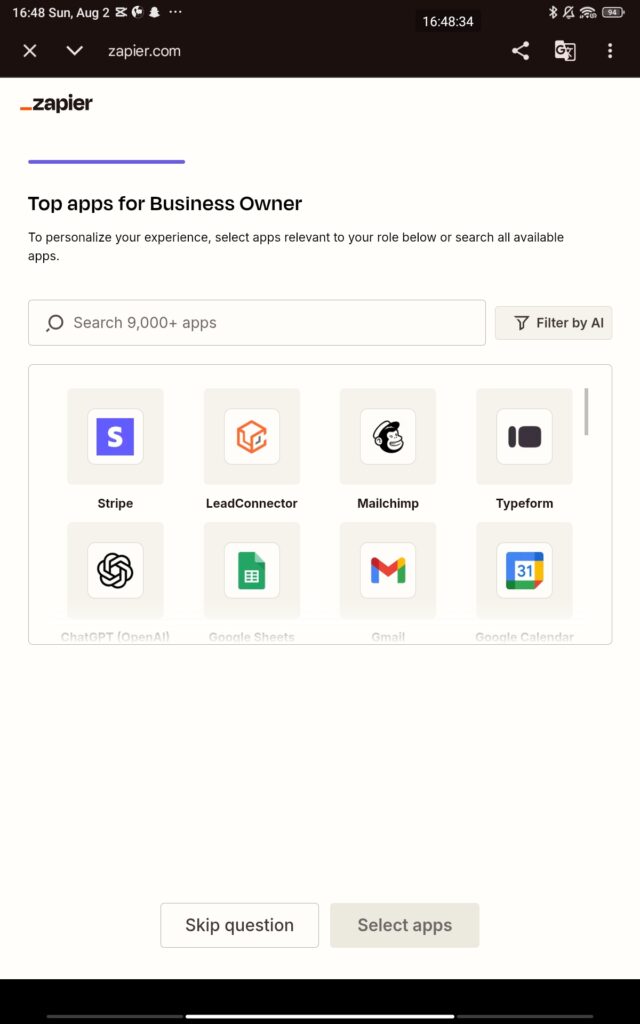
Go to zapier.com , Create a free account to get started
Let me briefly briefly tell you how this works.
Step 1: Customer Sends an Email
A customer sends a message:
“Hi, I ordered your wireless headphones last week, but I haven’t received them yet. Can you check the delivery status?”
Normally, an employee would open the email, understand the request, check the order system, and write a reply.With automation, this becomes the starting trigger.
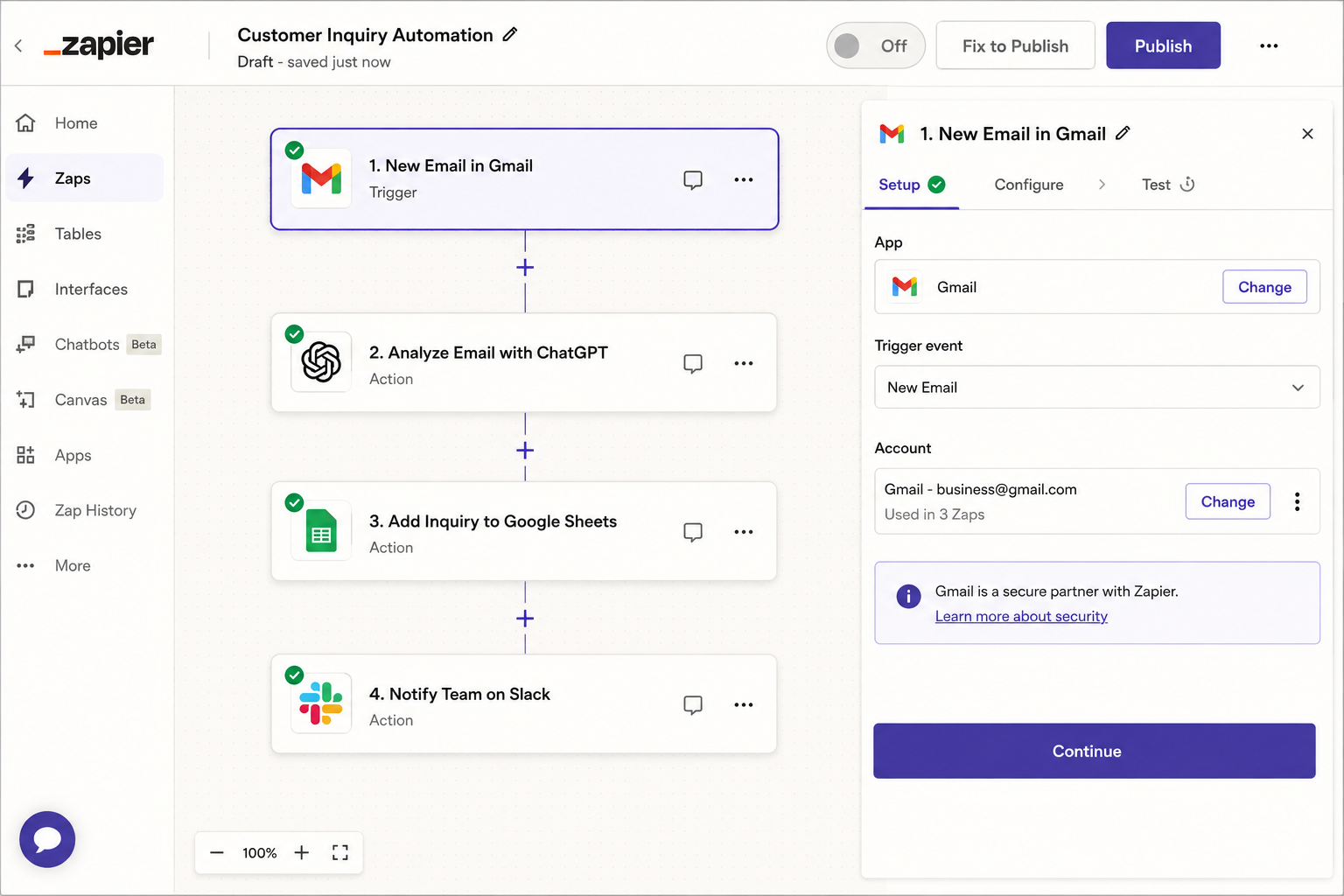
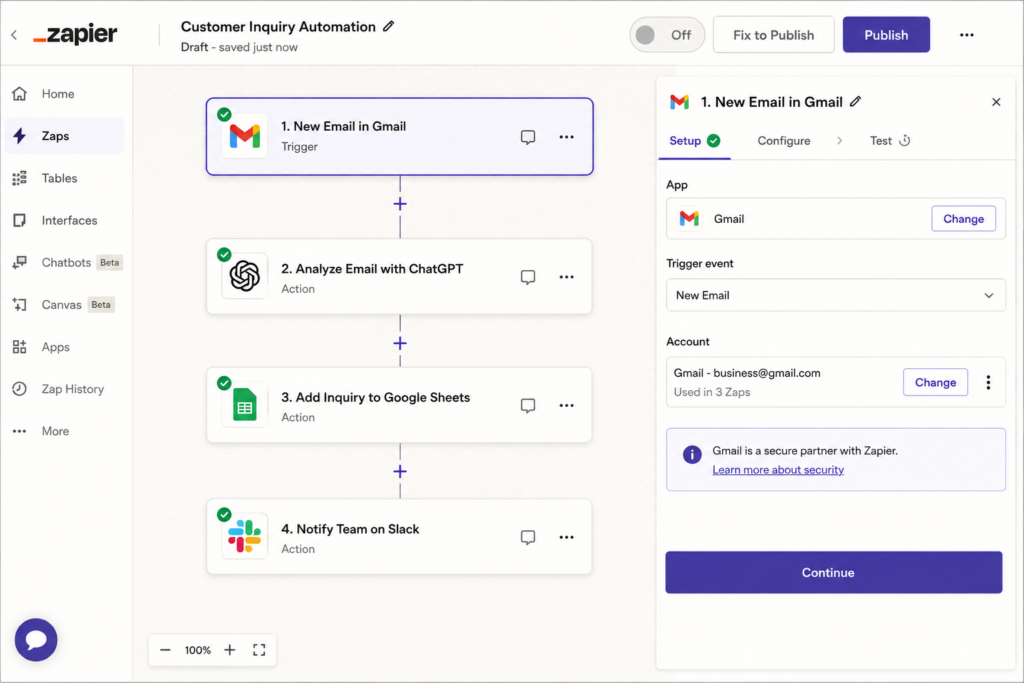
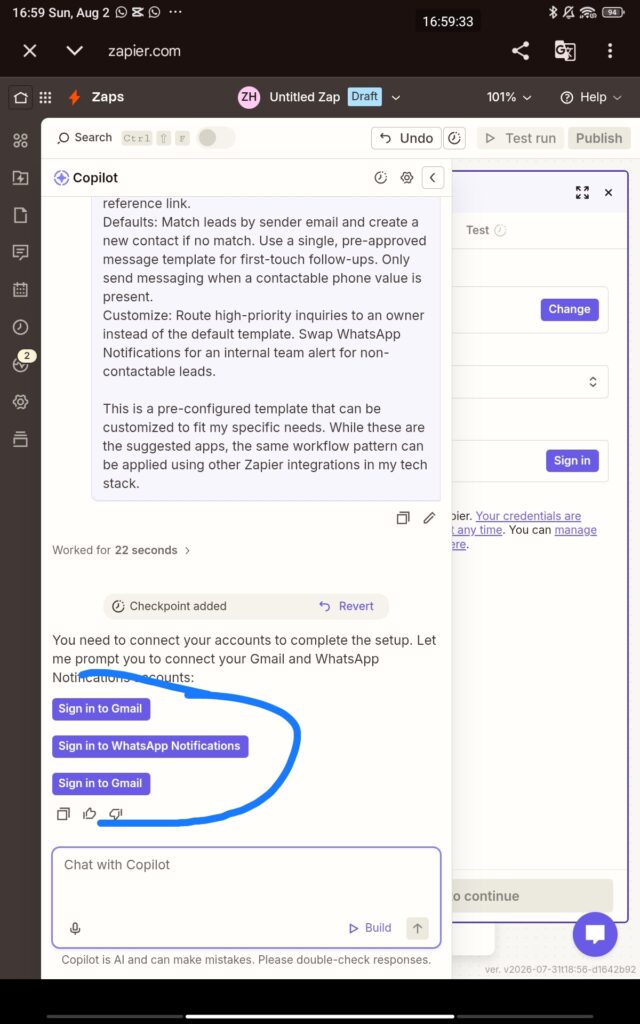
Step 2: Zapier Detects the New Email
Zapier monitors the business inbox. The workflow starts automatically:
I’m a web developer, technology enthusiast, and lifelong learner with a strong interest in AI, web technologies, and the ever-evolving digital world.
I enjoy building for the web, exploring new technologies, and finding practical ways to use AI and modern tools to solve problems and make everyday work more efficient. My interests span web development, artificial intelligence, software, digital tools, and the many ideas shaping the future of technology.
Through this blog, I share what I learn, build, discover, and experience along the way. My goal is to make technology easier to understand, share useful insights, and document practical knowledge that can help other developers, creators, and tech enthusiasts.
Technology is constantly changing, and I believe the best way to keep up is to stay curious, keep experimenting, and never stop learning.


Leave a Reply