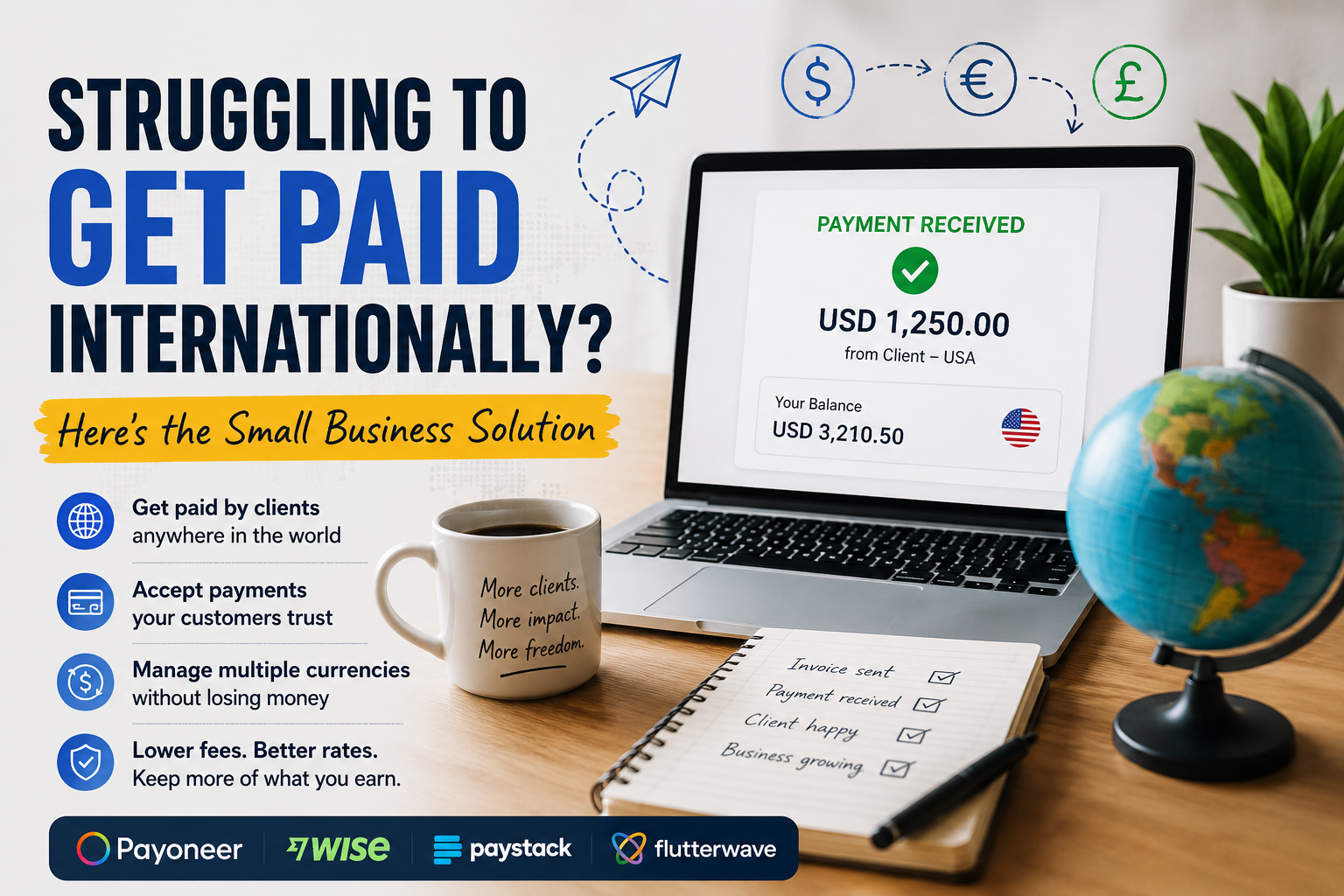

The first time a client from another country asks, “How can I pay you?”, it sounds like an easy question.
Until you actually have to answer it.
Do I send my bank details? Can the client pay by card? Should I send an invoice? What if they are in the United States and I am in Africa? What happens when the payment arrives in dollars but most of my expenses are in my local currency?
I’ve learned that the problem usually isn’t finding a payment platform. The real problem is creating a payment process that works from the moment I send an invoice to the moment the money becomes usable in my business. That distinction matters.
A freelancer receiving one large payment from an overseas company doesn’t necessarily need the same setup as an online store collecting dozens of international card payments every day.
So instead of giving you another generic list of payment platforms, I want to look at the problem the way I would actually handle it in a small business.
Start with the question: “How does my customer want to pay?”
This is where you should start before creating an account anywhere.
You shouldn’t ask:
“Which international payment platform is the best?
Ask:
“What is the easiest legitimate way for this particular customer to pay me?”
Those are two very different questions.
If I have a US-based consulting client who is comfortable making a bank transfer, I don’t necessarily need an elaborate card checkout.
If I sell a $30 digital product to customers around the world, asking everyone to make a bank transfer would be ridiculous.
And if I work with clients in several currencies, the payment itself might not even be the biggest problem. Currency conversion could be. That’s why I would approach international payments in scenarios.
Scenario 1: A foreign company wants to pay me for a service
Let’s say I run a small design business. A company in the United States hires me to create a brand identity for $1,000.
The client doesn’t want to create an account on some unfamiliar platform just to pay me. They simply want clear payment instructions.
This is where a service such as Payoneer can become useful. Payoneer provides businesses with ways to receive payments from clients internationally, including payment requests and receiving-account options for eligible users and supported currencies.
Its payment-request system is particularly relevant to service businesses because I can request payment from a client instead of making the customer figure out how to send an international transfer themselves. Payoneer says payment requests can support several payment methods depending on the customer’s location and eligibility.
Your workflow should look like this:
Finish the project → send invoice → send payment request → client pays → confirm receipt → record transaction.
That’s much cleaner than sending a long email containing several bank details and hoping the customer enters everything correctly.
When should you consider Payoneer
My customers are businesses outside my country, I regularly work with international clients, I need to receive payments in supported foreign currencies, I want to send payment requests, I work with international marketplaces or platforms.
Scenario 2: My real problem isn’t receiving dollars — it’s what happens afterward
Here’s a situation that can easily get overlooked.
Suppose my client pays me $2,000. Great. But then I need to convert the money into my local currency.
Suddenly, the question changes. It’s no longer:
“How do I receive the money?”
It’s:
“How much of that $2,000 will I actually end up with?”
This is where I’d investigate Wise Business. Wise is built heavily around international money management and currency conversion. Eligible business customers can hold and receive money in supported currencies, and Wise says business accounts can provide receiving details for currencies such as USD, EUR and GBP, depending on eligibility and location. wise.com That can be useful when my business doesn’t operate in just one currency.
Imagine I have:
A US client paying in USD, A UK client paying in GBP, A European client paying in EUR
You shouldn’t treat every incoming payment like a completely separate banking puzzle.
Wise Business is one service I’d compare when the international-currency side of my business becomes significant. Wise also says it uses the mid-market exchange rate for currency conversion and charges separate fees rather than building an exchange-rate markup into the conversion. Of course, I’d still calculate the actual cost before moving money.
The exchange rate alone isn’t the whole story.
Scenario 3: you sell online and customers simply want to use their cards
Now let’s change the business, suppose you run an online business selling:
E-books, Online courses, Digital services, Physical products, Software subscriptions
My customer probably doesn’t want to receive an invoice and manually arrange an international bank transfer.
They want to click Pay, enter their card information and get on with their day. That’s a completely different payment problem.
For businesses operating in supported African markets, I’d look at platforms such as Paystack. Paystack provides online payment tools including payment links, invoices, subscriptions and checkout options. It currently supports businesses registered in Nigeria, Ghana, South Africa and Kenya, according to its documentation. Paystack Support Paystack also supports international card payments for eligible businesses. Its documentation notes that international payments can require activation and compliance approval, so I wouldn’t assume the feature is automatically enabled after creating an account.
This is where you should use a payment processor differently
Instead of telling your customer: “Here are my bank details.” Rather tell them: “Here’s your secure payment link.”
That’s a much better experience for a customer buying something online.
Scenario 4: I want several ways for customers to pay
Sometimes card payments aren’t enough. Depending on where customers are located, they may prefer:
Bank transfers, Cards, Mobile money, QR payments, Other regional payment methods
Now, let’s Compare Flutterwave.
Flutterwave supports multiple payment channels, including cards, bank payments, mobile money and other methods depending on the market.
Flutterwave For a business selling across different African markets, having multiple payment options can make more sense than forcing every customer through exactly the same payment method.
For example, if I were selling an online service and my customers were spread across several countries, I’d want to know: What payment method is familiar to the customer in that market?
That’s a much more useful question than simply asking which platform has the lowest headline fee.
Flutterwave also supports payment links and online checkout, making it relevant for businesses that don’t necessarily want to build a complicated payment system from scratch.
For African merchants, Flutterwave currently lists international card transactions at 4.8% on its pricing page, although fees and payment availability can vary by country and transaction type. flutterwave Again, I’d check the current pricing before making a decision.
The four tools are solving four slightly different problems
| Situation | Right Tool | Reason |
| Payment From Overseas | Payoneer | International client payments and payment requests |
| Dealing With Multiple Currencies | Wise Business | Multi-currency money management and conversion |
| Several Payment Channels | Flutterwave | Multiple regional and international payment options |
| Card Checkout For Online Sells | Paystack | Online payments and checkout in supported markets |
Here’s the payment setup I’d actually build
If I were starting a small online business from scratch, It wouldn’t make sense opening accounts with every payment company I could find. Keeping the system clean helps.
Step 1: Create a proper invoice
The invoice should clearly show:
What is being charged for, The amount, Currency, Due date, Business details, Payment instructions
Step 2: Give the customer one obvious payment option
If it’s an online purchase, It’s best to use a payment checkout or payment link. If it’s a business client, then an appropriate payment request or transfer method should be used.
Step 3: Keep a backup option
I don’t want my entire business to stop because one payment method isn’t working for a particular customer. A primary method plus a sensible backup is enough for most small businesses.
Step 4: Reconcile the payment
Once the money arrives, I’d record:
Invoice amount → fees → conversion → amount received → date received
This sounds boring. It is. And it’s exactly the kind of boring thing that saves me headaches later.
Don’t choose a payment platform by looking at the transaction fee alone
This is probably one of the most important lessons I’d take away from the whole process.
Imagine Platform A charges 3%.
Platform B charges 4%.
It might look obvious that Platform A is cheaper.
But what if Platform A gives me a poor exchange rate?
Or charges a withdrawal fee? Or doesn’t support the customer’s preferred payment method? Or requires the customer to make an inconvenient international transfer?
Suddenly that 1% difference doesn’t tell me much.
I’d calculate the total cost of getting the money into my business.
For every platform I’m considering, I’d ask:What does the customer pay?
What does the platform deduct?
What happens during currency conversion?
What does it cost to withdraw the money?
How much actually reaches my business account?
That final number is the one I care about.
What if an international payment fails?
This is another reason I wouldn’t rely on a single payment method. If a customer tells me:
“My card isn’t working.”
I wouldn’t immediately assume they don’t want to pay. There could be several reasons:
- The card issuer declined the transaction.
- International transactions aren’t enabled.
- The payment method isn’t supported.
- The transaction triggered a security check.
- The payment provider requires additional verification.
- The merchant account isn’t enabled for that payment type.
For certain international-payment features, providers such as Paystack and Flutterwave have eligibility or activation requirements.
Give the customer another legitimate option where practical. That’s one reason a backup payment route can be valuable.
The mistake I would avoid: making the customer do the work
Here’s a small-business payment habit to eliminate. Imagine receiving this message:
“Send $750 to my account. My bank is XYZ. Account number is XXXXX. Use SWIFT code XXXXX. Make sure you select USD. If the transfer fails, contact me.”
Technically, the customer has everything they need. But I’ve just made them do the administrative work.Compare that with:
Invoice: $750
Due: August 15
Pay securely: [Payment link]
The second option is easier.And when I make payment easier, I remove one more reason for a customer to say:
“I will do it later”
International payments don’t have to be complicated
I used to think the solution to international payments was finding the perfect payment platform.
I don’t think that’s the right way to look at it anymore.
The better solution is to build a simple payment workflow.
A customer receives an invoice.
They see a payment option they can actually use.
They complete the transaction.I receive confirmation.
The money is settled.I record the transaction.
That’s it. The platform sitting underneath that process matters, but it shouldn’t become the business itself. For a small business, I’d rather have two payment methods that work reliably than six payment buttons that confuse customers and make bookkeeping harder.
And before choosing anything, I’d check the provider’s current availability, pricing, supported currencies, payment methods and verification requirements for my particular country.
The tools I’d put on my shortlist
Payoneer — payoneer.com: Useful to investigate when receiving payments from international business clients is a major part of my work.
Wise Business — wise.com/business: Worth comparing when I regularly receive, hold or convert multiple currencies.
Paystack — paystack.com: A strong option to investigate for online payments if my business operates in one of its supported markets.
Flutterwave — flutterwave.com: Worth considering when I need multiple payment channels for customers across supported markets.The best payment system isn’t necessarily the one with the biggest brand name or the lowest advertised fee.
It’s the one that lets my customer pay easily, lets my business receive the money reliably, and leaves me with a clear record of what I actually earned.
Check: Tools for accepting digital payment

I enjoy building for the web, exploring new technologies, and finding practical ways to use AI and modern tools to solve problems and make everyday work more efficient. My interests span web development, artificial intelligence, software, digital tools, and the many ideas shaping the future of technology.
Through this blog, I share what I learn, build, discover, and experience along the way. My goal is to make technology easier to understand, share useful insights, and document practical knowledge that can help other developers, creators, and tech enthusiasts.
Technology is constantly changing, and I believe the best way to keep up is to stay curious, keep experimenting, and never stop learning.
- How to Automatically Deliver a PDF After Successful Payment – September 17, 2026
- Why a Payment Gateway Can Say “Successful” While Your Website Shows “Failed” – September 17, 2026
- How to Build Subscription-Based Websites Without Developing an App. – August 21, 2026
Leave a Reply